
Today, Monday, 12 January 2026, the Interclub Algarve Management Committee is pleased to announce the launch of its new website. Developed by WOWdigital of Almancil, the platform is purpose-built for mobile compatibility and features expanded data on fixtures and individual clubs. To assist members, the committee has published an initial tutorial sheet detailing how to access the Club area and input match results. Looking ahead, the Management Committee intends to further expand web coverage throughout 2026 to include dedicated sections for both the Knockout Cup and Finals Day.
Part 1
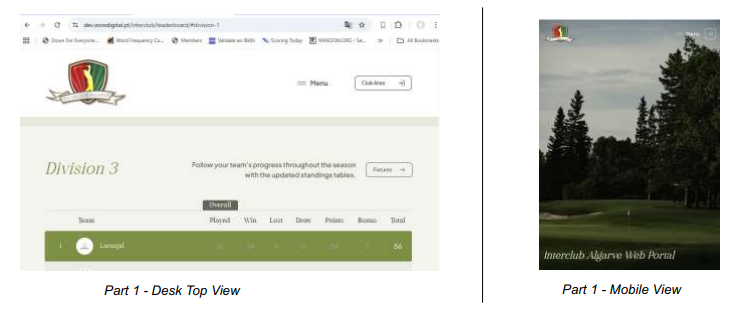
Accessing the Club Area
The Club Area is accessed via the icon to the right of the main menu

Part 2
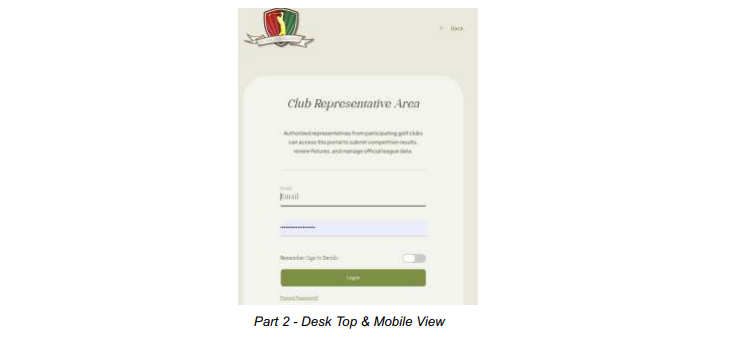
Login to the Club Area
The login is your registered email address and password. If you are entering for the first time then
you will have to use the ‘Forgot password?’ option to register a new password for this site.
Part 3
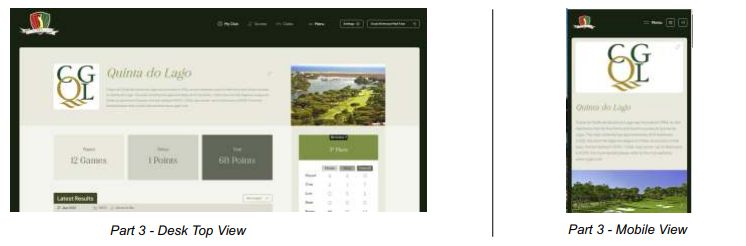
Initial Club Page Access
On successful login to the Club Area the immediate display is your Club Page. This page displays
various bits of information that relate to your club. Please take the time to familiarise yourself with
this page as it is different to the old site. There are certain items may be edited by yourself and these
are signalled by the edit icon.

As you scroll down the page, you will see the club’s matches separated into Results \ Pending
Results & Next Matches. [Note that to start with, before any games have been played, the Fixtures
list will only list the ‘Next Matches’]
Part 4
Accessing New Fixtures Page
Above the listing of [Next Matches] is a button marked [Add Match +]. Click on this to access new
match area
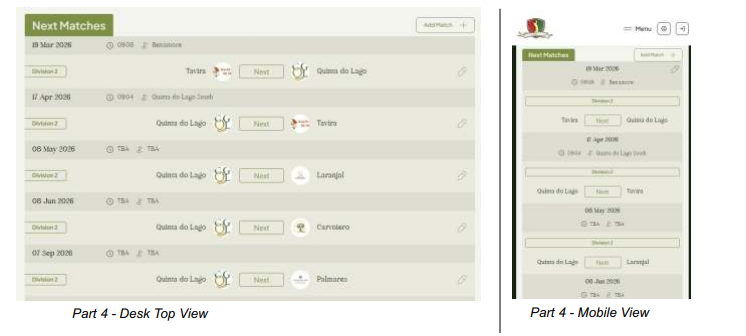
Please note that the required information for registering a fixture includes the course and the first tee
time. These do not have to be registered immediately, but may be filled in later once the course
allocation has been confirmed.